I’m the office administrator for a 40-person manufacturing company that does both CNC machining and 3D printing. I manage all the purchasing—roughly $700,000 a year across 12 vendors. Maybe 9 vendors, I’d have to check my spreadsheet. (Should mention: most of that budget is equipment and tooling, not the printer filament.)
One question I get constantly from our engineers is: should we buy another Mazak, or just 3D print the part? The answer is “it depends.” I’ve learned to think in three scenarios. Different situations need different advice. If you’re in a similar role, this is how my thinking has evolved.
Three Buying Scenarios
The first fork is really about what the part has to do. If it’s metal, highly stressed, high volume, or needs tight tolerances, you’re in CNC territory. If it’s plastic, low volume, or still being iterated, 3D printing wins. And if you’re not producing physical parts at all—if you’re selling digital models—the purchasing game completely changes. There’s no universal right option. I see our equipment purchases as falling into one of these three buckets.
Scenario A: When CNC Machining Makes Sense
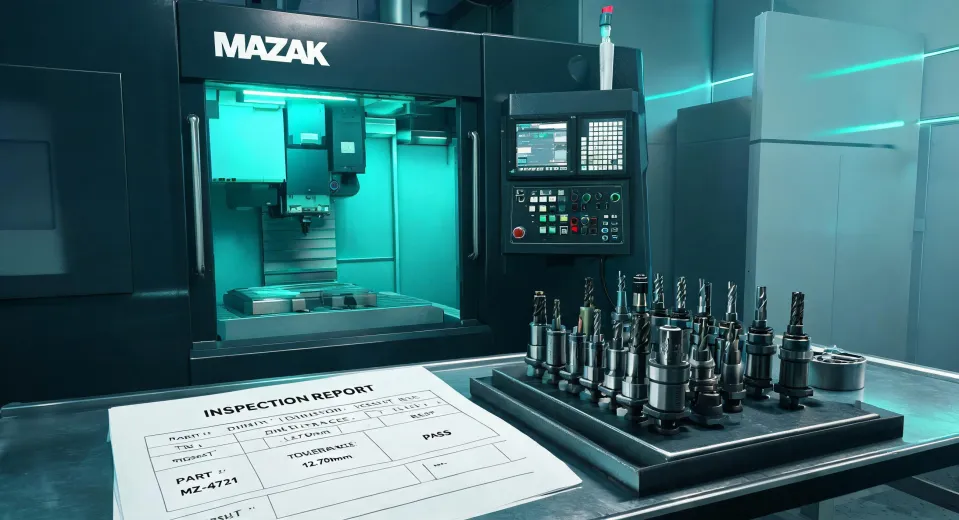
For anything with a mating surface, a load path, or a production volume over a few dozen pieces, we go to the CNC side. We’ve run Mazak equipment for years. Mazak’s been building machine tools since 1919 (source: mazakusa.com), so parts and service support aren’t going away. That matters when you’re buying used.
Yes, used Mazak CNC machines show up at auction and on resale sites. I’ve been tempted before. A Mazak CNC lathe can seem like a steal at auction—until you factor in the repair history.
What I check now:
- Spindle hours and condition. A used Mazak CNC with 20,000 spindle hours might have a worn spindle taper. That’s a $5,000–$15,000 repair, roughly, based on a quote we got in 2024. Verify current pricing, but don’t assume the bargain closes itself.
- Control system age. An older Mazak control can still be rock solid, but if the company you buy from doesn’t have the maintenance manuals, budget for a service technician to walk you through the startup.
- Tool magazine / turret health. The turret isn’t just a part—it’s where the machine’s speed lives. A tired turret turns a “cheap” used Mazak CNC lathe into a frustration machine.
One thing I’ve learned the hard way relates to 3/4 roughing end mill tooling. The temptation is always to buy the cheapest end mill that fits the holder. In my experience, that math doesn’t add up. A cheap 3/4 roughing end mill might cut fine for the first 50 parts, then dull. The next one might chip on the second pass. Then you’re paying for scrap, chattermarks, and rework.
I compare cost per finished part, not cost per tool. A mid-priced end mill with a proper coating lasts three or four times longer. It also feeds faster, which means the machine spends less time cutting and more time making money. That’s the real total cost of ownership.
Scenario B: When 3D Printing Wins
For prototypes, custom ductwork, or parts with internal channels that no mill can reach, we turn to 3D printing. The printer itself wasn’t a big strategic decision for me—the consumables were.
The biggest upgrade we made was using threaded heat set inserts for 3D printing. If you screw directly into printed plastic, the threads strip out. Inserts fix that. But the cheap ones have their own problems.
I still kick myself for the batch we bought from a discount supplier. The knurling was inconsistent. One of them grabbed the brass and twisted the part off the print bed mid-installation. This was a 14-hour print. It ended up scrap. The insert supplier saved us $30. That mistake cost us $250 in material and three days of deadline slip.
My advice if you’re picking inserts:
- Buy from a vendor that publishes spec sheets. You want the hole size range, pullout strength, and brass composition.
- Test the first 10 inserts from a new batch. I’m not 100% sure if it’s overkill, but we caught a bad batch twice that way.
- Match the insert to the plastic. Softer plastics like PLA might want a finer knurl. Stronger plastics like nylon often work better with a coarser one. There’s a learning curve.
The conventional wisdom seems to be that all brass inserts are the same. They’re not. Temperature, insert geometry, and installation consistency all matter. That’s not something you’ll discover on the spec sheet—you’ll discover it on the shop floor, usually at the worst moment.
Scenario C: When the Product Is a Digital File
Lately, we’ve had customers ask whether they could buy the 3D printable files instead of the finished parts. That pushed me into researching how to sell 3D printing files. It’s a different animal from buying machines or inserts.
From a purchasing perspective, the main decisions are which marketplace to use and what license terms to set. Some marketplaces charge a flat commission and handle payment processing. Others offer lower fees but expect you to host the files and deal with support. If you’re doing this as a side stream, the fee math matters more than people think.
- Check payout timing. A platform that holds your revenue for 30 days can strain cash flow if you’re relying on it. That delay is a hidden cost.
- Read the license terms. Commercial-use rights, resale rules, and file hosting responsibilities all belong in the contract. The same “value not just price” logic applies.
- Use file previews strategically. Give a clear preview, but don’t give away the exact tolerances or print settings you used. Actually, we give those away—it builds trust, and customers are more likely to get good results.
The funny thing is, once people buy the files and print the parts, they often realize they need threaded heat set inserts for 3D printing anyway. So selling files hasn’t replaced our insert purchasing. It just moved the customer further along in the same ecosystem.
How to Tell Which Scenario You’re Really In
If you’re reading this and trying to decide what to buy for your shop, here’s the judgment guide that works for me:
- What does the part have to do? Metal, tight tolerances, vibration, heat—CNC route and buy the right Mazak. If it’s plastic, low load, and quick iteration—3D printing and invest in inserts and filaments.
- How many do you need? One or two parts: print them. Twenty or fifty: machining is probably cheaper per unit once tooling and cycle time are included.
- Where does your revenue come from? If you’re selling products that are durable physical objects, protect that with reliable machines and tooling. If you’re selling designs, your real investment is in digital sales, licensing, and support—not in a larger spindle.
Everything I’ve read about procurement says to optimize every line item. My experience after three years in this role says that advice causes as many problems as it solves. The right question isn’t “Which option costs less right now?” It’s “Which option costs less across a year of production, downtime, machine repairs, scrap, and customer goodwill?”
That’s why I’ve stopped buying the absolute cheapest anything. Not because I like spending money. Because the used Mazak CNC that saved us money upfront was the one where we factored in the spindle rebuild before we signed. The 3/4 roughing end mill that cost more per tool was cheaper per finished part. The threaded heat set inserts we bought from a supplier with actual quality control? They’ve never cost me a print.
Not every purchase has to be a bargain. Some purchases just have to be certain. And if you’re the person writing the POs, that certainty is a bigger win than any price tag.