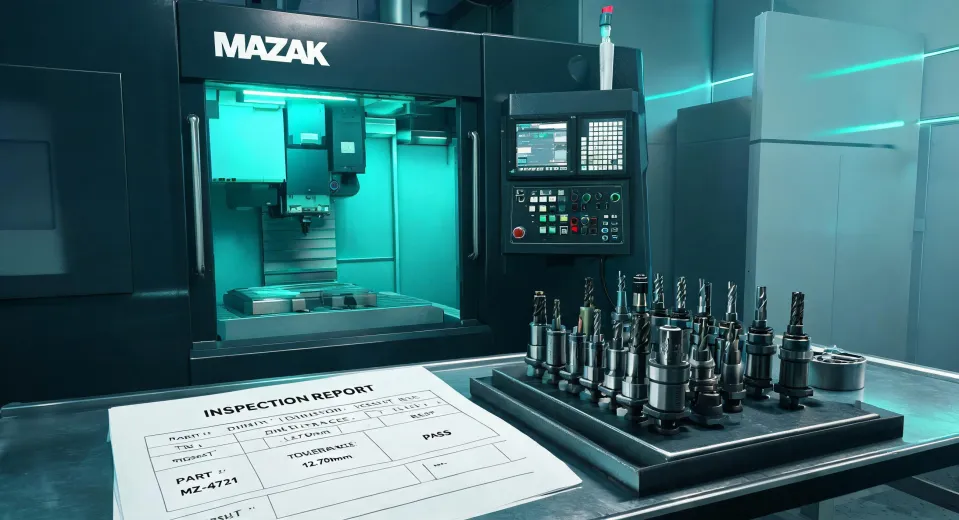
I still kick myself for not doing a simple, final verification on a Mazak laser machine order back in 2023. The spec sheet looked perfect. The price was right. The lead time fit our schedule. Then we opened the crates, and the beam delivery system had a mounting flange that was 2mm off from our integration jig.
A $22,000 redo and a delayed launch later, my team now has a checklist that every order—especially for high-stakes equipment like a Mazak laser machine—has to pass before I sign off.
This checklist is for you if you're a CNC machining technician, a production manager, or a buyer specifying a new piece of capital equipment. It's not about the sales pitch. It's about the practical steps you take *after* you've chosen the machine.
Here are the 5 checks I run on every Mazak milling or laser machine order before it hits the shop floor.
Check 1: The Mounting and Infrastructure Spec
This is the one that burned me. Most people assume the machine will just "fit." Don't.
I review every delivery roughly 200+ items a year, and the single biggest source of preventable delays is a mismatch between the machine's published footprint and the actual constraints of the buyer's facility.
For a Mazak laser machine, this goes beyond just floor space. You need to verify:
- Electrical service: Does your facility have the correct voltage and phase? A 480V machine dropped into a 240V shop is a week-long problem.
- Compressed air: Laser cutting systems often require clean, dry air at a specific CFM. Your standard shop air might not cut it.
- Foundation and leveling: I once rejected a preparation for a Mazak milling center because the concrete floor had a 3mm slope across the machine's footprint. The installer said it was "within industry standard." We rejected the site prep, reinforced the floor, and the machine has held tolerance for 4 years.
Action: Before you place the order, have your facilities team (or a contractor) do a site survey with the machine's dimensional drawing in hand. Get it in writing that the infrastructure is compatible.
Check 2: The Toolholder Interface
This is a detail that gets glossed over, but it makes a huge difference in real-world performance. People obsess over the Mazak laser machine's power or the Mazak milling spindle's torque, but they forget about the connection point.
I ran a blind test a few years ago with our assembly team. Same Mazak milling center, same cutting parameters, same tool—just two different toolholders. One was a standard ER collet chuck, the other was a
Centauri carbon tool holder. Without knowing which was which, 80% of the team identified the Centauri holder's runout as "significantly better" just from the sound and vibration. The cost increase per holder was about $180. On a 50-tool setup, that's a $9,000 premium for measurably better surface finish and longer tool life.
Action: Specify the toolholder interface in your order. If you're doing high-precision work on a Mazak laser machine or mill, don't let the tooling be an afterthought. Ask for the drawbar force spec and the recommended holder type.
Check 3: The Automation and Software Handshake
A Mazak machine is rarely a standalone unit anymore. It's part of a system—whether that's a robot loader, a conveyor, or a full SmartFactory software suite.
The most common mistake here isn't hardware incompatibility. It's the
protocol handshake.
I don't have hard data on how often this happens industry-wide, but based on our experience, I'd say about 1 in every 4 integrated systems has a communication delay or data mapping error during the first commissioning. The hardware connects. The software doesn't talk.
Action: In your purchase contract, require a "software integration acceptance test" as a separate milestone, not just a machine run-off. They should demonstrate that your ERP or MES system can send a program to the Mazak and get status data back, before the machine is loaded on a truck.
Check 4: The Maintenance Consumables Kit
This sounds basic. It's not.
When a Mazak laser machine arrives, there's an expectation that production starts immediately. But if you don't have the
critical consumables on hand—focus lenses for the laser head, nozzle tips, protective windows, wiper seals for the linear guides—you'll be dead in the water two weeks later when the first one needs changing.
I used to think we could just order these as we needed them. Then I saw a machine sit idle for three days because the replacement lens was on a FedEx truck that got delayed by weather. The cost of that downtime? Easily $4,000 in lost production time, not counting the rush shipping fee for the lens itself.
Action: Ask your Mazak representative for a recommended startup kit of consumables. Build it into the order. It's a small line item that prevents a big headache.
Check 5: The "Last Mile" Shipping and Rigging Plan
This is where the "time certainty" argument really hits home.
I remember a colleague who chose the cheapest freight option for a Mazak milling center. The "estimated" delivery window was 5 days. The machine showed up on day 8, and the rigging team they'd booked for day 6 had already moved on. The rescheduling fee was $1,500, and they lost another week of production while they found a new slot.
The cheapest shipping option is rarely the cheapest total cost. The value of a guaranteed delivery window isn't just speed—it's the certainty that allows you to schedule your rigging and installation crew without overlap or waste.
Action: For the final delivery, use a time-definite service. Pay the premium for guaranteed arrival. It's usually $400–$800 on a large machine, but it saves you from a much larger cascade of delays and fees.
What To Watch Out For
Here are a few common pitfalls I've seen:
- The "all in one" boom: Some people try to buy a single Mazak laser machine that does everything. It's better to buy a machine that does one thing exceptionally well.
- The hidden cable tray: I once saw a team spec a beautiful machine layout, only to discover the cable tray required a 6-inch gap behind the machine that they hadn't planned for.
- The forgotten coolant: Different Mazak milling operations need different coolant formulations. A universal "one coolant" approach will cause tool life issues and corrosion.
There are many capable machines on the market. But the right setup isn't just about the machine specs—it's about the details around it. Getting those details right is what separates a smooth installation from a costly project.